










IDEOON.CH uses cookies and similar technologies to improve the user experience on our website, analyse our traffic and personalize content and advertising. You can find more information in our privacy policy.
Link has been copied to the clipboard!
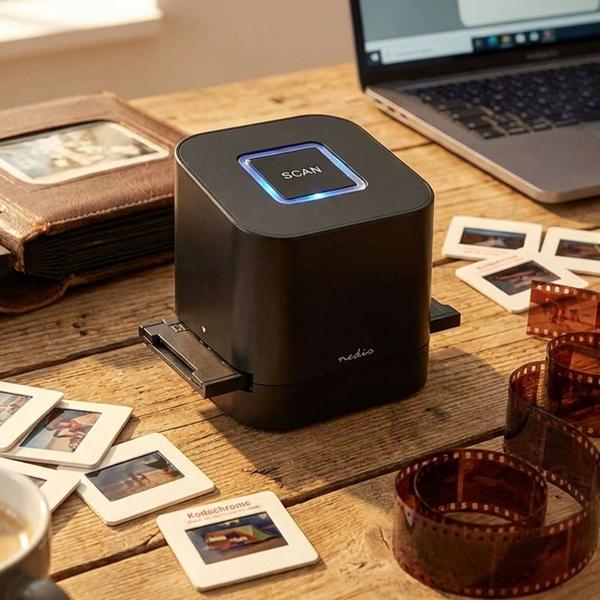
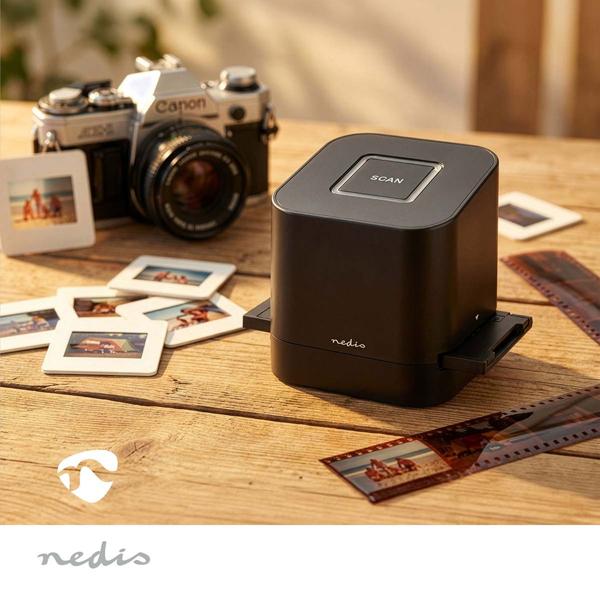
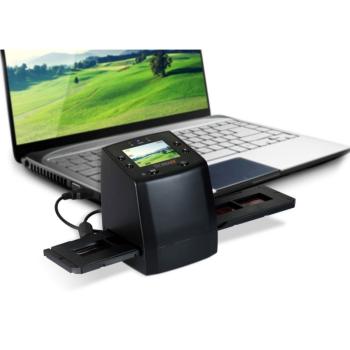
Save your memories – Scan your slides & negatives (135 film, 110 film and 35 mm slides) and bring your old film and photo moments back to life
Crystal-clear quality – Flexibly choose between 2400 & 4800 dpi scan resolution with the 8‑megapixel CMOS sensor
Ultra-fast – Scan your images in just 2 seconds – super easy and time-saving at the touch of a button
Directly to your PC – Save your images instantly as universal JPEG or TIFF files via the USB connection
Incl. software – Use the Media Impressions software as a download for perfect image capture & photo editing
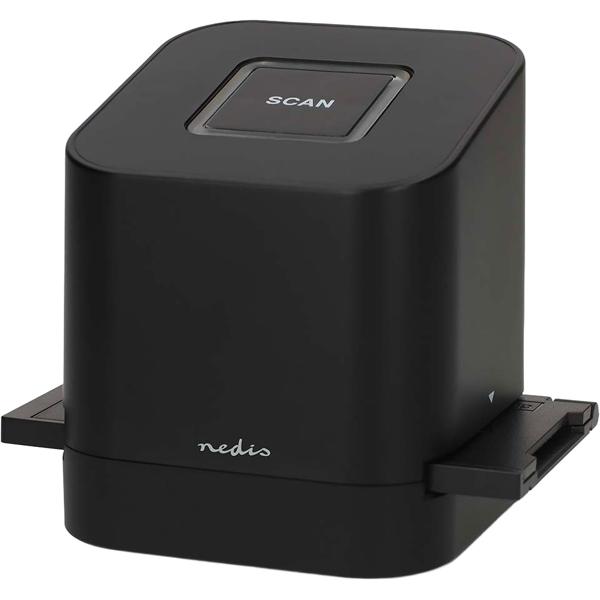
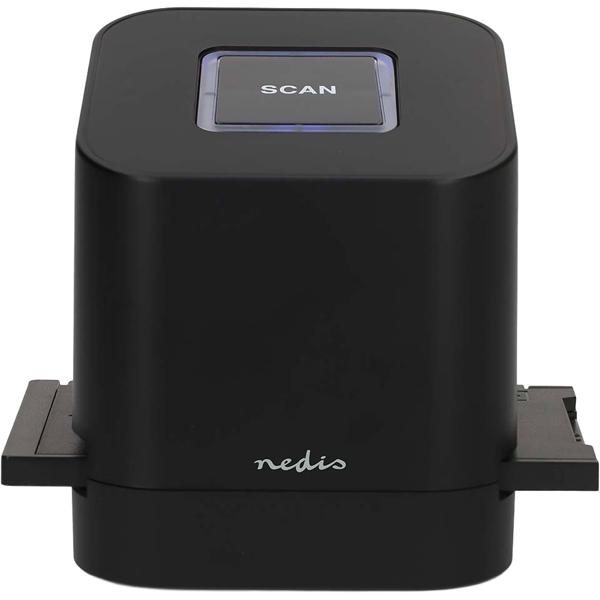
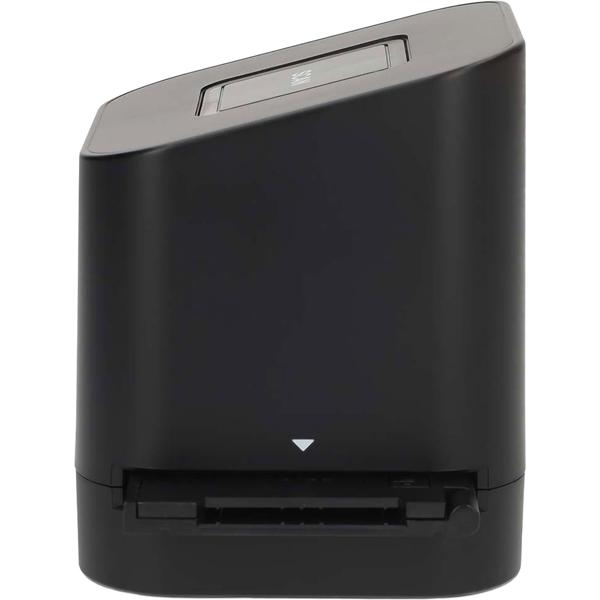
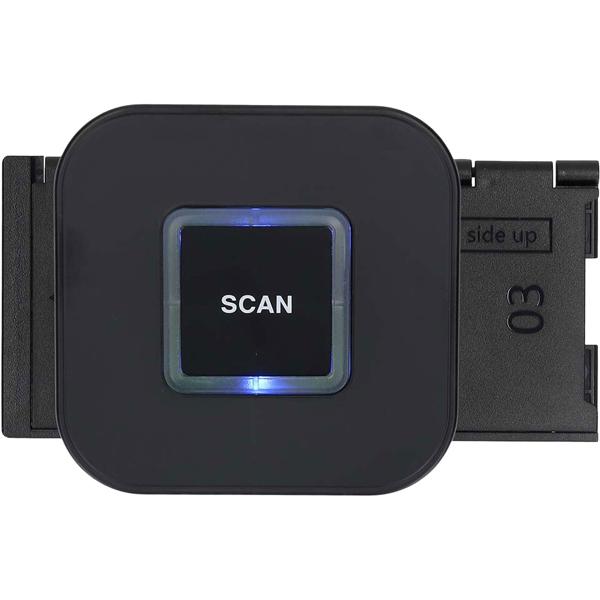
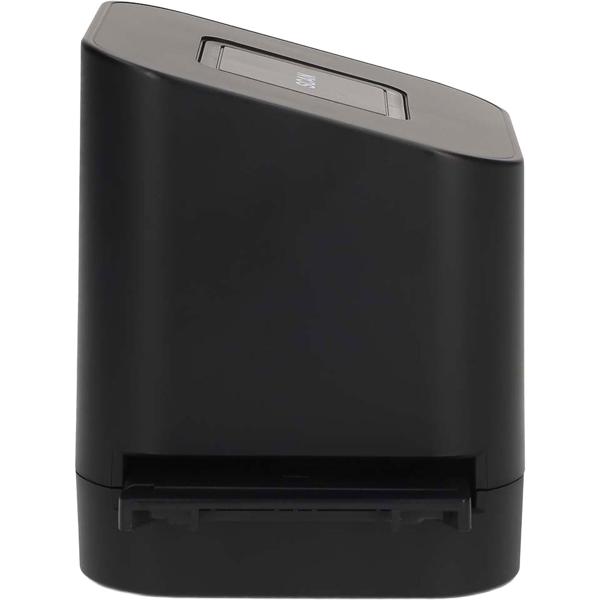
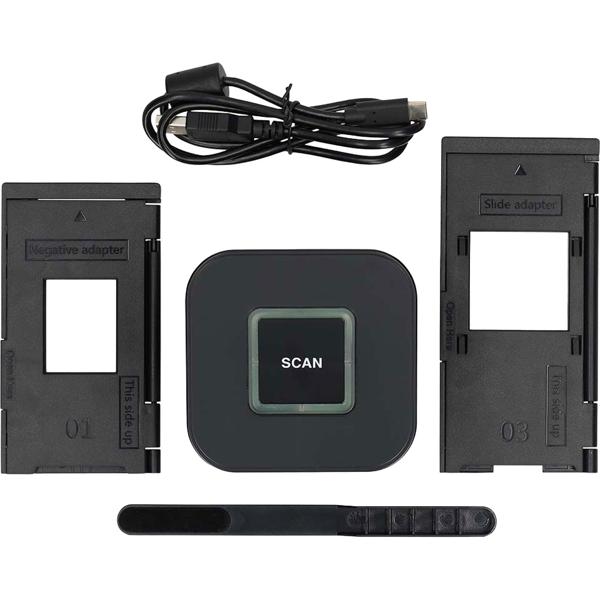
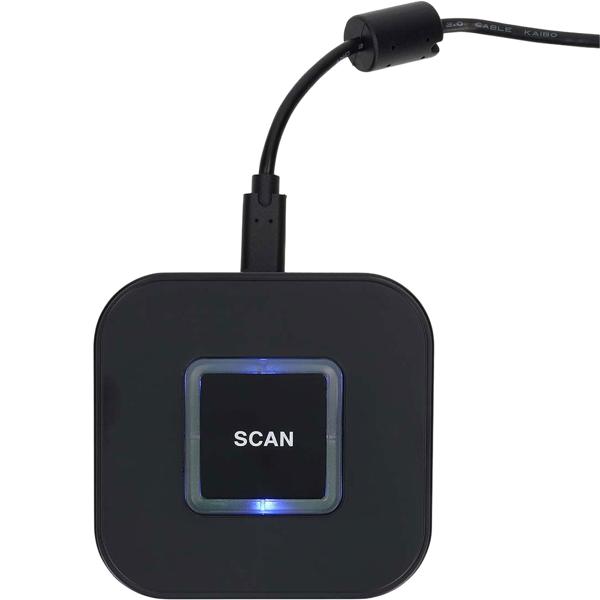
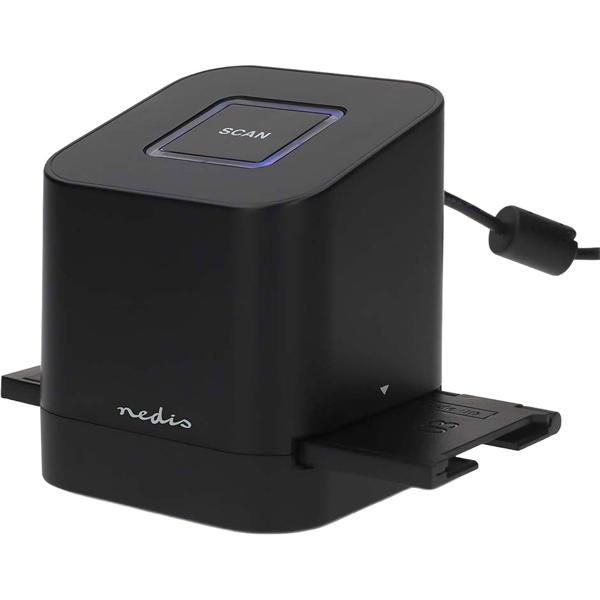
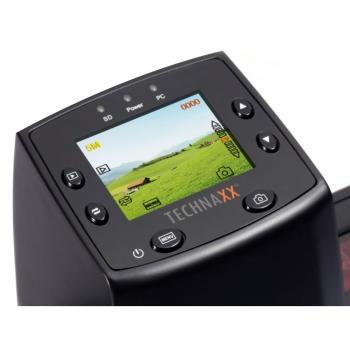
Preserve old photo treasures: With this 8‑megapixel CMOS multi‑scanner you can bring your old film and photo collections straight into the digital age. The compact slide and negative scanner lets you digitise with just a single button press. You can freely choose between a scan resolution of 2400 dpi and 4800 dpi to get the best possible image quality for your memories. Thanks to the short scan time of only 2 seconds per image, you can process even larger archives quickly and efficiently.
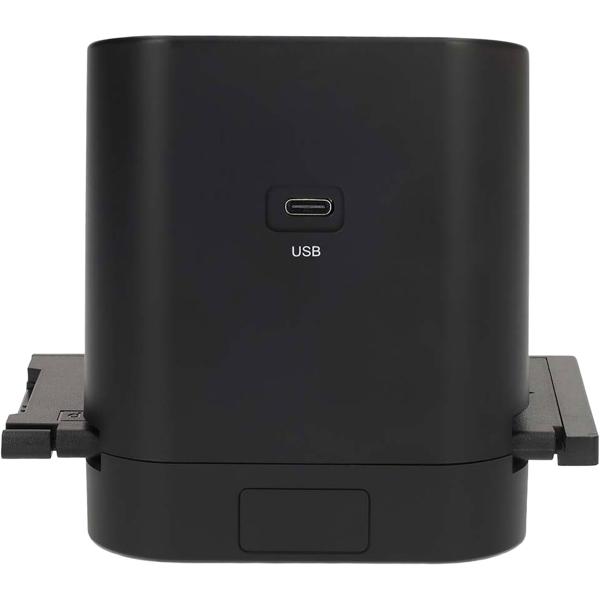
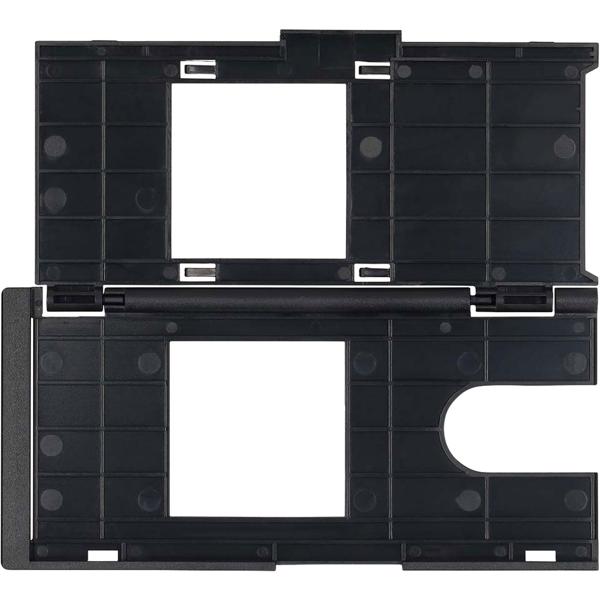
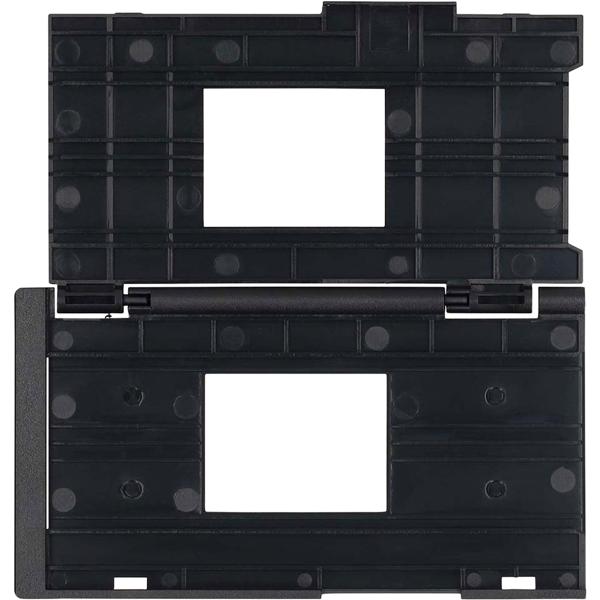
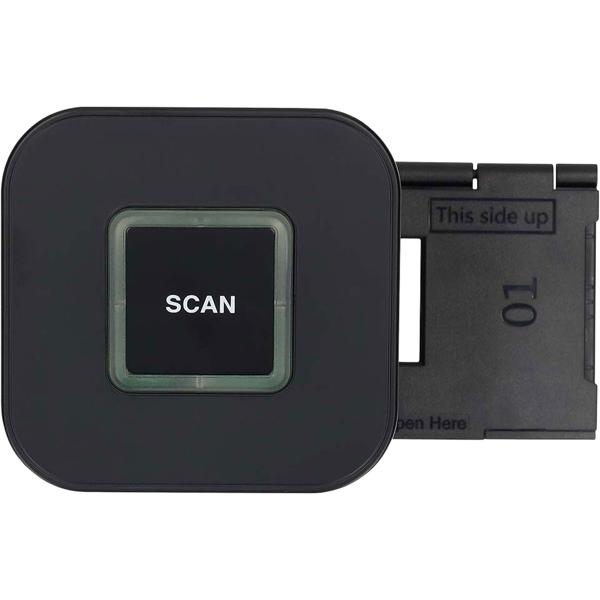
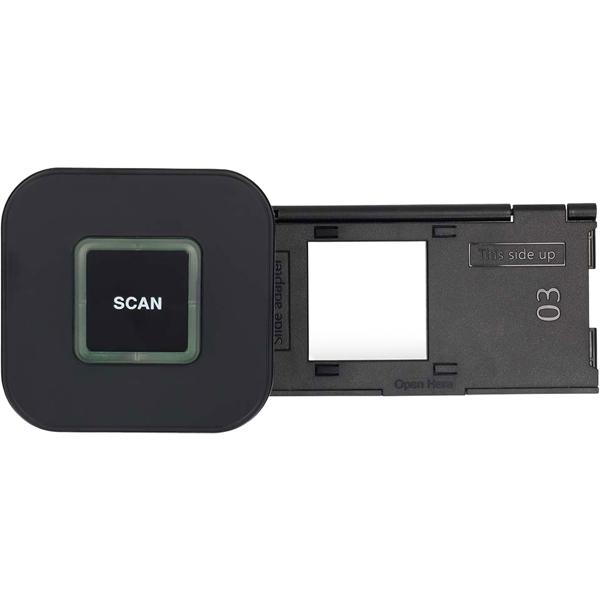
Easy to use: The slide and negative scanner is conveniently powered via the modern USB‑C port, so you can connect the device directly to your computer. The matching holders for your negatives and slides ensure precise guidance during the scanning process. You save your finished images straight to your hard drive as JPEG or TIFF files without any detours. For subsequent image capture and photo editing, the Media Impressions software is available as a convenient download. This allows you to optimise your digitised photos on your PC right after scanning.
{{.}}
{{/content}}{{{.}}}
{{/content}}