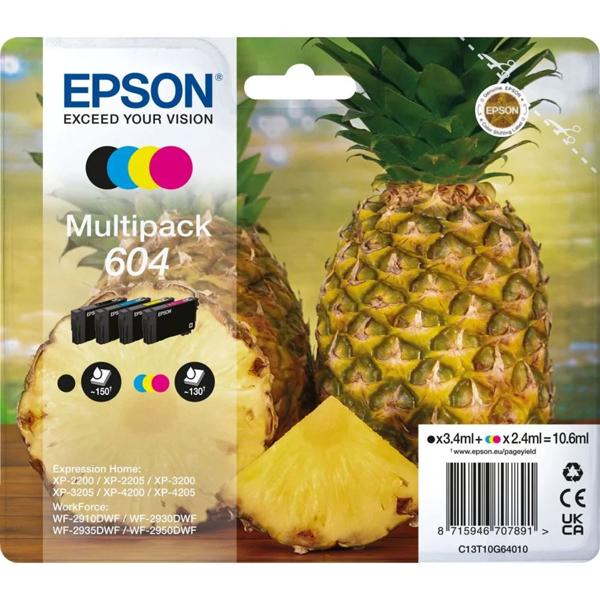
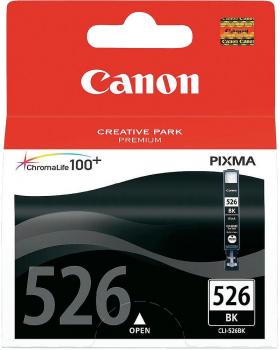
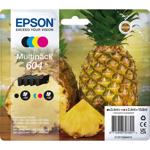
4 colours individually packed – One cartridge each in black, cyan, magenta and yellow for all your everyday prints
Economical replacement – Replace each colour individually instead of changing the whole set at once
Page yield at a glance – Approx. 150 pages in black and approx. 130 pages per colour cartridge
Original Epson ink – Matched to the compatible Epson printers for crisp text and well-balanced colours
Broad compatibility – Suitable for many models in the Epson Expression Home XP-2200 to XP-4200 and WorkForce WF-2900 series
Colour and black in one set so your printer is always ready when you need it
The complete colour set for your Epson printer: The Epson multipack T10G6 (C13T10G64010) from the 604 series delivers four separate original ink cartridges in black, cyan, magenta and yellow straight to your home. It is suitable for numerous printers from the Expression Home XP-2200, XP-3200 and XP-4200 series as well as WorkForce WF-2910, WF-2930 and WF-2950. This lets you print school documents, shopping lists, public transport tickets, recipes and forms just as reliably as colourful craft sheets, colouring pages or photos for your pinboard. As each colour has its own cartridge, you only replace what is really empty and use up the remaining ink down to the last drop.
Colours that make you smile: Original Epson ink is precisely tailored to these printers and ensures clean text and vivid, finely graduated colours. A rainy afternoon, the children colour in the freshly printed colouring pages and in the evening the new birthday invitation is ready and hanging on the fridge. It is exactly for these moments that it pays to have ink at home you can rely on.
Hassle-free replacement: Lift up the scanner unit, remove the empty cartridge, insert the new cartridge and press it down until it clicks into place. Within a few seconds your printer is ready to use again. You keep the remaining cartridges from the set as a reserve so that nothing has to wait next time you need to print. Before buying, quickly check the list below – there you will find all compatible printer models.